
What your customers see
These pictures are from a WooCommerce store with a cash-back points card called Walk beans, from a shop called Karak Corner. Your store shows your own card’s name and your shop’s.
In their account
Section titled “In their account”A signed-in customer sees your card on their account page. Customers who are not signed in see nothing, because the card belongs to an account.
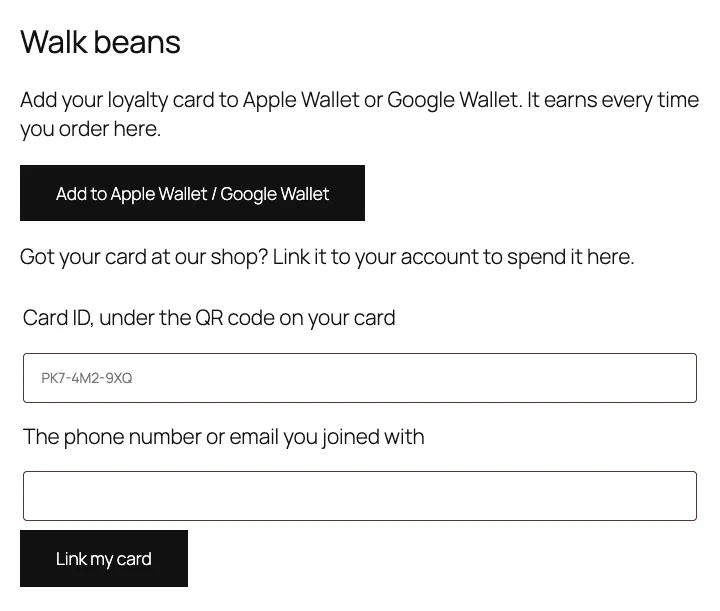
- Add to Apple Wallet / Google Wallet makes their card with the name, phone number and email on their account, and opens the page that adds it to their phone. If your card asks for a phone number and their account has none, they type it first. Nothing is sent to Passkaar until they tap.
- Got your card at our shop? A customer who already has your card from your counter links it to their account instead, with the card ID printed under the QR code on their card and the phone number or email they joined with. Then the same card earns online, and they can spend it at your checkout.
Once the card is linked, the account page says so:
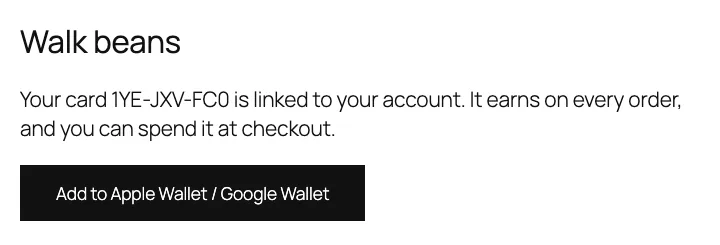
The same button appears on the thank-you page after an order.
Adding the card to their phone
Section titled “Adding the card to their phone”The button opens a Passkaar page made for your customer, in your shop’s name, with their card and an Add to Apple Wallet button (on an Android phone, Add to Google Wallet). It says your shop made the card with their details and how to ask for them to be removed. One tap and the card is on their phone. On a computer, the page shows a QR code to carry on on the phone.
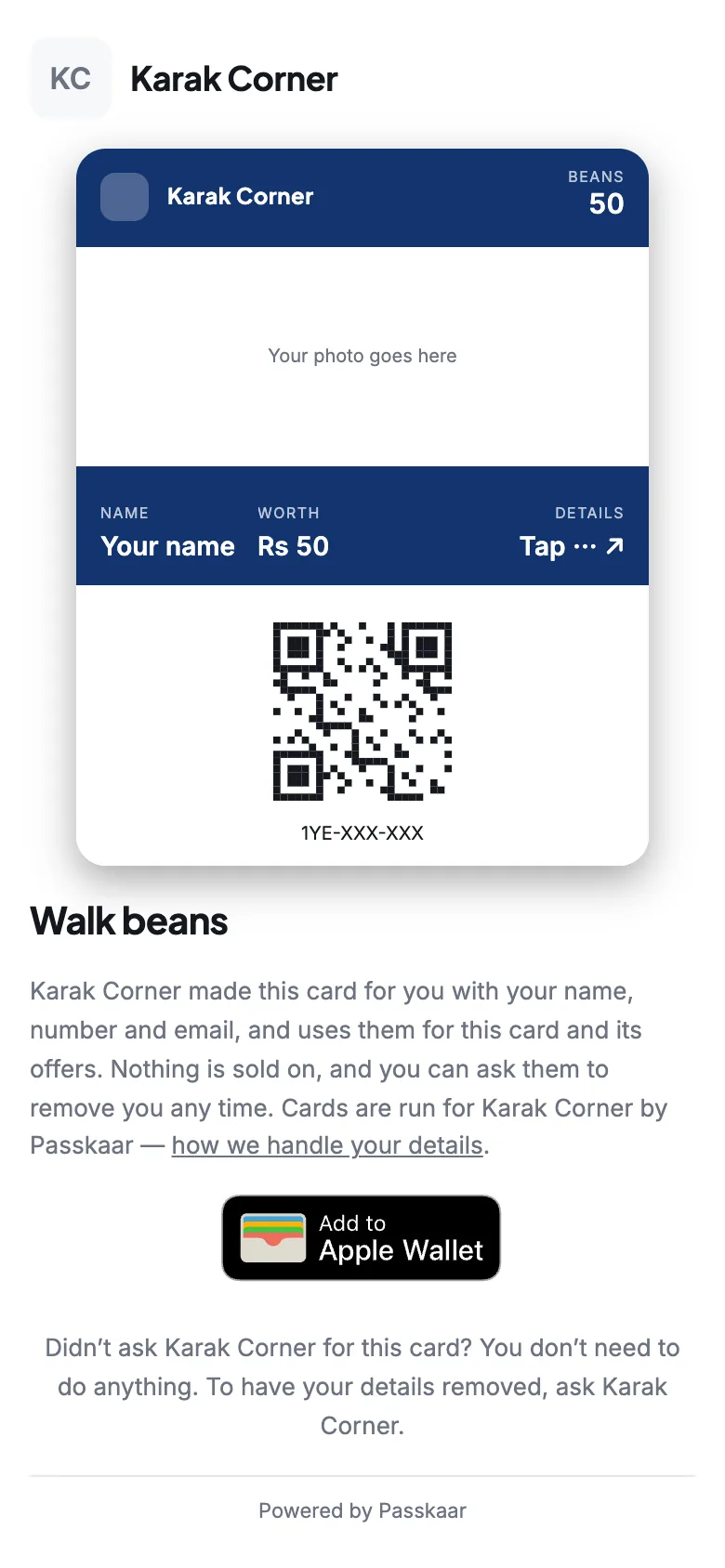
The page works for seven days and only until the card is on a phone. A customer who lost their phone gets their card back from you at the counter, never from a link.
At checkout
Section titled “At checkout”A customer whose card is linked to their account sees it in the order summary, with a line saying what the card can do and a button to use it. The amount is worked out when they tap:
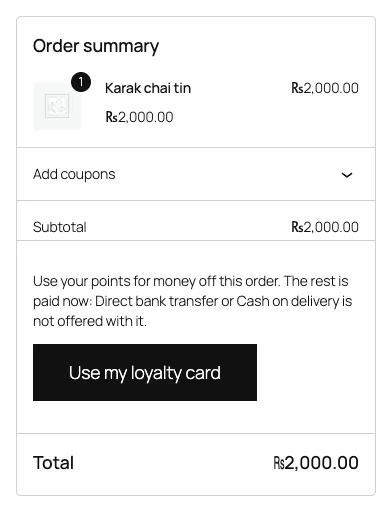
Use my loyalty card takes as much as the card holds off the order, up to the order’s items, as a discount named Your loyalty card:
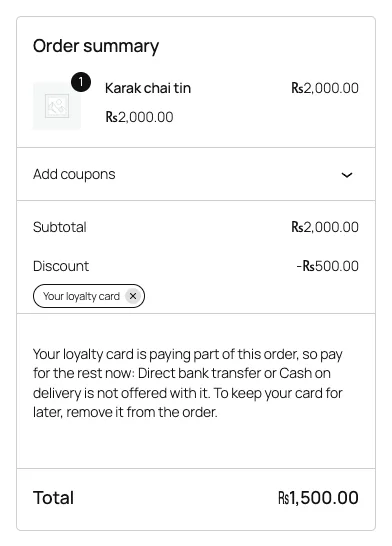
- A prepaid card pays from its balance, a cash-back points card at its own rate, and a stamps card a reward at the amount you set. Other cards are spent at your counter only.
- The value is set aside on the card for 15 minutes, so it cannot be spent twice. It is spent when the order is paid, and put back on the card if the customer removes it, the payment fails or the order is cancelled.
- While the card pays part of an order, the rest is paid at checkout: cash on delivery and bank transfer are not offered, because they are paid days later. A store whose only ways to pay are those does not show the card at checkout at all; see your ways to pay.
- The customer can take it off with the × to keep their card for later.
On their phone
Section titled “On their phone”After each paid order, refund or spend, Passkaar updates the card on the customer’s phone, as it does after a sale at your counter.